
Water Damage Automation That Gets Crews Moving
Water damage automation answers emergency calls, screens the loss, protects dispatch capacity, and books qualified work before callers move on at night.
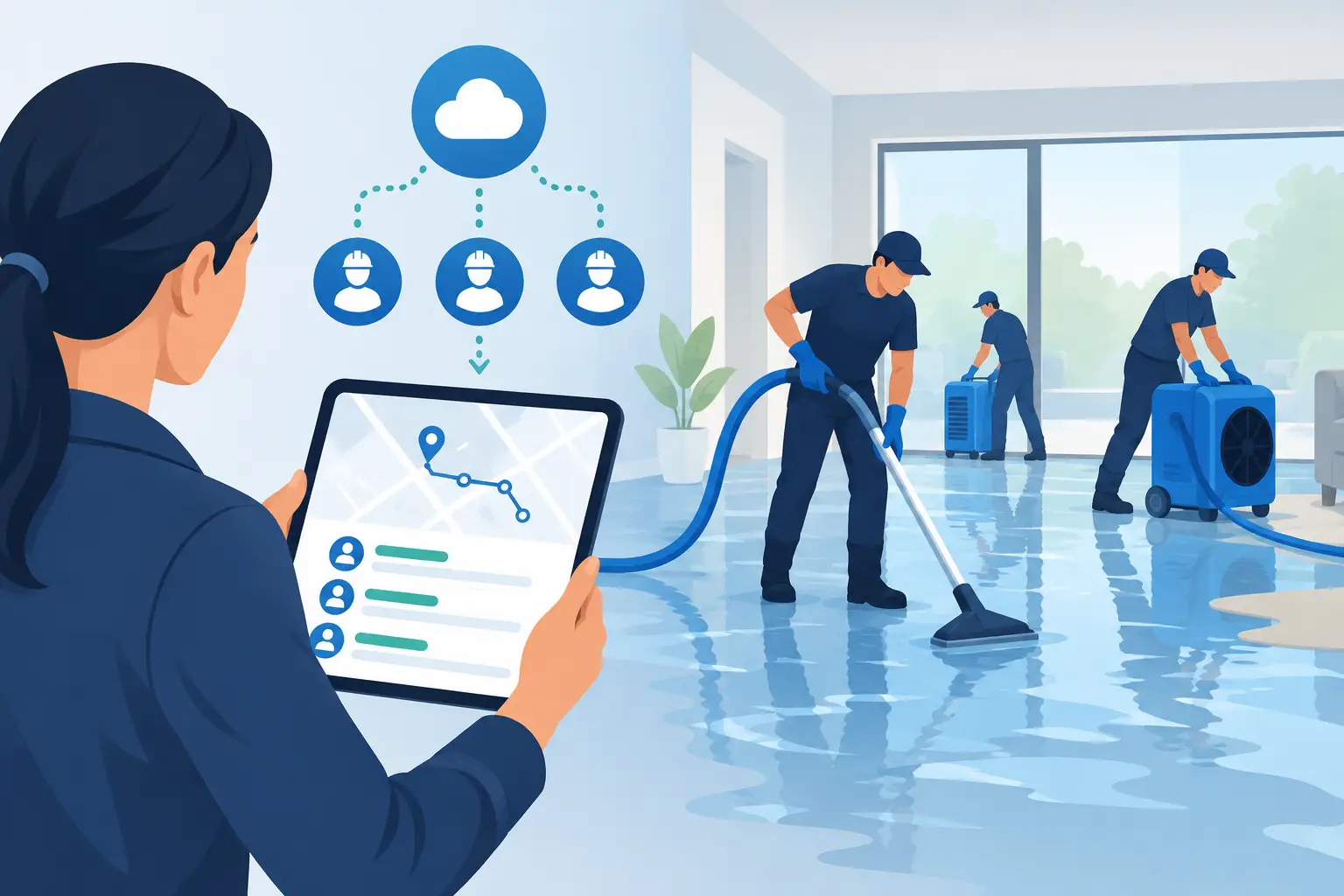
At 9:17 p.m., a homeowner finds water spreading across a first-floor ceiling. They are not comparing software, reading reviews for an hour, or waiting for an office to reopen. They are calling the first restoration company that answers. Water damage automation is the operating system between that panicked first call and a confirmed crew or estimator appointment - without leaving the caller in voicemail or sending an on-call technician on a job that does not fit.
For restoration operators, the point is not to automate conversation for its own sake. The point is to control the revenue-critical moments that get missed after hours, during lunch, while the office team is tied up, or when a storm sends five calls at once. A fast answer matters. So does asking the right questions, checking real crew availability, holding the slot, and making sure the job lands where dispatch can act on it.
Water Damage Automation Is a Loss-Capture Workflow
A generic answering service can take a name and number. A generic chatbot can ask whether someone needs help. Neither necessarily knows the difference between an active supply-line break inside your service area and a caller looking for carpet cleaning 70 miles away.
Useful water damage automation follows the way your company already decides which calls deserve an immediate response. It answers or texts back within seconds, establishes what happened, identifies the property and location, and checks whether there is standing water, an active leak, an electrical risk, or another condition requiring escalation. It can also ask whether the caller is working through insurance or self-pay, if that distinction affects your intake rules.
The workflow should then produce one of two clear outcomes. A qualified loss moves toward a booked dispatch or inspection. An unqualified inquiry is handled according to policy, without consuming an estimator slot or waking an on-call technician for a job your company will not take.
That distinction is where automation becomes an operational control. The homeowner gets a response. Dispatch gets usable information. Your team is not sorting through vague messages the next morning and guessing which caller found another company overnight.
What the Workflow Should Do After the First Ring
Answer, reassure, and identify the emergency
The first exchange needs to move quickly without sounding like an interrogation. A caller with water pouring from a second-floor bathroom needs to know they reached a real business that can help. The system should confirm the company, acknowledge the problem, and collect the facts needed to route the call correctly.
For a water loss, that commonly includes the loss type, whether water is still actively flowing, the address or ZIP code, property type, and the caller's contact details. If the caller reports a safety issue, such as water near electrical equipment, the workflow should deliver the safety guidance your business has approved and alert the designated on-call contact.
The goal is not a long intake form delivered by voice. It is enough information to make the right next decision while the homeowner is still on the line.
Screen against your actual service rules
Every restoration business has boundaries. One company handles residential water mitigation within 30 miles and excludes reconstruction-only inquiries. Another works commercial losses, accepts program work, and prioritizes certain insurance relationships. During a regional storm, those rules may change by capacity, geography, or loss severity.
Water damage automation should enforce those rules consistently. It should recognize an out-of-area address before promising a visit. It should distinguish an active emergency from a request for a future estimate. It should flag a commercial property, multi-unit loss, or major category loss for the people who need to see it immediately.
This does not mean every decision should be automated. A high-value commercial loss, a complex coverage question, or an unusual hazard may require a live handoff. The system should know when to escalate rather than force a caller through a rigid script. Automation handles the repeatable screening. Your people retain judgment for the exceptions that can materially affect safety, margin, or customer experience.
Check availability before making a promise
A booked appointment is only valuable if the crew, estimator, or on-call manager can honor it. This is where many after-hours workflows break down. A message gets taken, someone promises a response window, and two people separately add jobs to the same morning schedule.
The right system checks live availability through the calendar or managed dispatch board your team uses. When a qualified caller selects an open time, the system places a short hold while the booking is completed. Once confirmed, it writes the appointment to the schedule and sends the caller a confirmation text with the agreed time and next steps.
That short hold matters. It prevents two callers from being offered the same opening during a busy period. It also gives the workflow a defined path when the caller hangs up, asks to reschedule, or fails to confirm. A slot should not remain blocked indefinitely because an incomplete conversation looked like a booking.
For true emergency losses, the best outcome may not be a future appointment at all. The workflow can route the call to an on-call person, send the essential loss details by text, and record the escalation status. The important part is that the emergency is routed deliberately, not deposited as a voicemail for someone to discover later.
Put the booking where operations can use it
A completed intake should not live only inside a call transcript or an inbox. Dispatch needs the caller's name, phone number, address, loss details, qualification outcome, appointment time, and escalation notes in the systems that run the day.
That can mean a calendar write, a dispatch-board entry, or a signed delivery to the job-management endpoint your company designates. Delivery should be retried if the receiving system is temporarily unavailable. Otherwise, a booked loss can disappear between the conversation and the morning handoff.
The office should also have a searchable record of what happened: the call or text exchange, the questions asked, the answers provided, and the final disposition. This is useful when a homeowner says they were promised a time, when a dispatcher needs context before calling back, or when management wants to review why a lead was screened out.
Automate the Repetition, Not the Accountability
Some owners worry that automation will create a colder customer experience. That can happen if it is deployed as a generic script with no connection to dispatch reality. A caller can tell immediately when the person or system answering has no idea whether help is actually available.
The better approach is to automate the consistent work that often breaks under pressure: answering the call, sending the missed-call text-back, collecting the initial facts, applying service-area rules, checking slots, confirming appointments, and following up before the visit. This gives staff more time for the conversations where experience matters - complex losses, upset customers, large commercial opportunities, and crew coordination.
It also creates accountability. If a lead was not booked, there should be a reason: outside the service area, wrong service type, no available capacity, caller declined, unable to reach, or escalated to a live team member. “We will call them back” is not a disposition. It is a revenue risk until someone actually does it.
Measure the Gaps That Cost You Work
Do not judge water damage automation by how natural a demo voice sounds. Judge it by whether it changes operating outcomes. Track after-hours answer rate, response time to missed calls and web inquiries, qualified-loss rate, booked appointments, escalation completion, cancellations, and no-shows. Review which calls were rejected and whether your rules are rejecting the right work.
Revenue attribution should be handled with the same discipline. A booked water loss is not automatically revenue, and an average job value is an assumption that varies by market, loss severity, insurance mix, and close rate. Still, operators can model the opportunity using their own numbers: after-hours call volume, percentage of calls that qualify, booking rate, close rate, and expected job value.
That makes the decision practical. If your office already answers every call quickly and books accurately around the clock, the need may be limited. If calls roll to voicemail, texts wait until morning, or crews are being dispatched without proper screening, the gap is visible and measurable.
Start With the Rules Your Team Already Uses
A successful deployment begins with an intake playbook, not a software login. Document the loss types you take, service areas, property types, insurance and self-pay rules, emergency triggers, escalation contacts, scheduling windows, and questions that should never be skipped. Then test the workflow against real scenarios: the 2 a.m. pipe break, the weekend mold inquiry, the out-of-area caller, the commercial property manager, and the storm surge when capacity is tight.
PsPro AI is built around that restoration-specific process: answer, screen, schedule or escalate, confirm, and hand the result to dispatch. The operating rules belong to your business, because your crews are the ones who must deliver on the promise made to the caller.
A homeowner with water on the floor does not need another message waiting in an inbox. They need a clear next step, and your team needs a qualified job placed on a schedule it can keep.