
How to Reduce Field Visit No Shows for Good
Reduce field visit no shows with faster confirmations, clear arrival windows, simple rescheduling, and qualification rules that protect every truck roll today.
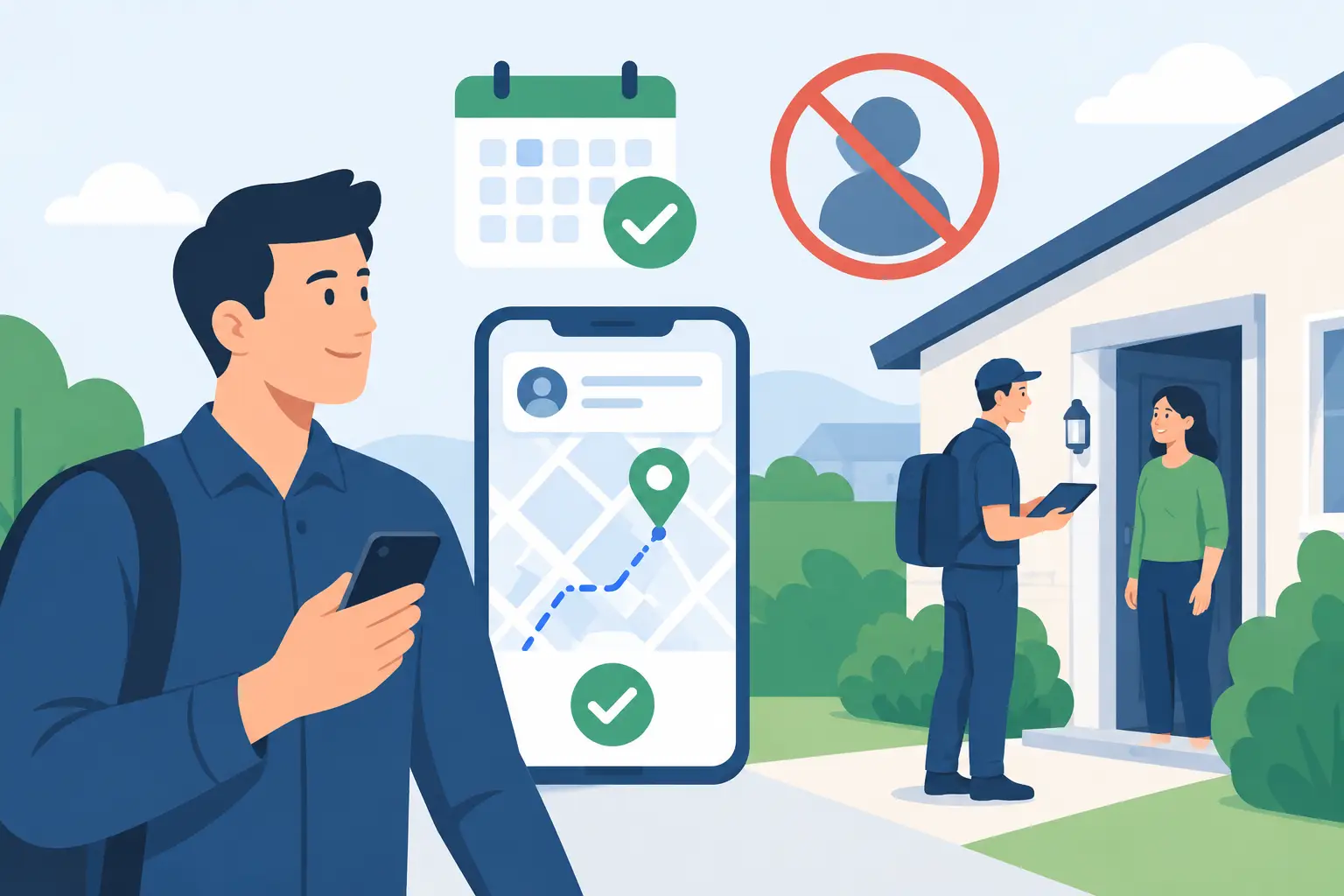
A field visit that never happens is not a minor calendar problem. It is a truck pulled off revenue work, a technician driving without a billable outcome, and an open slot that another qualified customer could have used. To reduce field visit no shows, service businesses need more than a reminder text. They need a controlled appointment workflow that confirms intent, makes attendance easy, and catches problems before a crew is dispatched.
For restoration companies, plumbers, HVAC contractors, and other high-ticket service businesses, the cost is amplified by urgency. A prospect may call at 9 p.m., agree to Tuesday at 10 a.m., then stop responding by morning. If the appointment was booked without qualification, a usable phone number, or a clear explanation of what happens next, the calendar contains activity but not a dependable opportunity.
Why Field Visit No Shows Happen
Most no-shows begin before the appointment is ever scheduled. The customer may have been price shopping, may not be the decision-maker, may not understand the expected visit, or may have selected a time that was convenient in the moment but not realistic. A generic booking link cannot diagnose any of that.
The other common cause is friction. Customers forget the date, cannot find the confirmation, are unsure when a technician will arrive, or need to reschedule but see no easy path to do it. Rather than call, they do nothing. The team learns about the issue only after the truck is rolling or sitting outside a locked home.
There is also a distinction worth protecting: a cancellation is not automatically a failure. A customer who cancels two days ahead gives the business a chance to refill the slot. A customer who replies at 7:45 a.m. that they need a different time can still become a completed job. The operational enemy is the silent no-show, not every calendar change.
Reduce Field Visit No Shows Before the Calendar Write
The fastest way to improve show rates is to stop treating every inbound caller as appointment-ready. Before a time is offered, collect the information that determines whether a field visit makes sense: service location, job type, urgency, decision-maker status, insurance or payment context where relevant, and any trade-specific disqualifiers.
For a water mitigation company, that may mean confirming the property is within the service area, the loss is active or requires inspection, and the caller can provide access. For a remodeling estimator, it may mean confirming project scope, budget range, ownership, and timeline. The questions should be short, direct, and built around the rules your team already uses when deciding whether to send someone out.
This is not about interrogating callers. It is about avoiding the unproductive calendar entry. If a lead is outside your service area, seeking a service you do not provide, or cannot meet basic qualification criteria, route it correctly rather than assigning a technician to discover the mismatch in person.
Once a prospect qualifies, offer only genuinely open times. A scheduling system that relies on stale availability creates a different form of no-show: your team arrives late, double-books a technician, or calls the customer to move an appointment that should never have been offered. Live calendar availability, a temporary hold while the slot is being confirmed, and a written calendar record are operational controls, not nice-to-have features.
Build a Confirmation Sequence Customers Can Act On
A single confirmation sent immediately after booking is necessary, but it is rarely sufficient. Customers are busy, and service visits often get booked days in advance. The right sequence gives them several clear chances to verify, change, or cancel the appointment without calling the office.
Start with an immediate text confirmation. It should state the appointment date, expected arrival window, service address, and a simple reply path. Avoid vague language like “we will see you soon.” Tell the customer what happens next and what they need to do if plans change.
A practical workflow looks like this:
- At booking: “Your inspection is scheduled for Tuesday, March 12, between 10:00 a.m. and noon at 214 Oak Street. Reply C to confirm or R to request a new time.”
- The day before: send a confirmation request with the same clear response options.
- On the morning of the visit: send an arrival-window reminder, especially when a technician is dispatched or en route.
- If there is no response: trigger a defined follow-up task for staff, rather than assuming silence means attendance.
The wording should match your trade. An emergency restoration inspection may require an immediate access confirmation. A sales estimate may require all decision-makers to be present. A repair visit may require the homeowner to secure a pet or clear access to an equipment room. State the expectation plainly. Many avoidable no-shows are actually expectation failures.
Two-way messaging matters here. A one-way reminder may reduce forgetfulness, but it does not resolve a customer who needs Thursday instead of Tuesday. When the customer can reply naturally and receive a real scheduling outcome, you preserve the opportunity instead of forcing them into voicemail.
Make Rescheduling Easier Than Disappearing
Customers often no-show because rescheduling feels awkward or time-consuming. They assume they will be pressured to keep the appointment, do not want to wait on hold, or remember after office hours when nobody is available to answer. Give them a low-friction alternative.
An automated response can identify the requested change, check live availability, offer approved alternatives, and update the calendar after the customer selects a new slot. If the request falls outside policy or requires staff judgment, it should escalate with the relevant conversation details attached. The customer gets an answer, and the dispatcher does not have to reconstruct the situation from a vague voicemail.
There is a trade-off. Making rescheduling easy can increase calendar movement, particularly in consumer service businesses. But visible movement is preferable to hidden failure. A rescheduled, reconfirmed appointment is far more valuable than a technician standing at a door with no response.
Set limits based on your operation. You may allow self-service rescheduling up to a certain number of hours before the visit, then route later changes to an on-call team. You may require a deposit for certain long-distance assessments, specialty equipment visits, or high-value sales consultations. The point is not to impose the same rule everywhere. It is to make each rule explicit and enforceable.
Create an Escalation Rule for Silence
Not every unconfirmed appointment deserves the same labor. A $99 service call 45 minutes away should not receive the same manual chase effort as a six-figure commercial restoration opportunity. Build an escalation process around lead value, travel cost, urgency, and available capacity.
For example, when a qualified prospect has not confirmed by the day before, your system can send a second text. If there is still no response, a high-value opportunity can be routed to an office manager or salesperson for a call. A lower-value visit may be marked as at-risk and held for a final morning confirmation before dispatch.
The key is to record the status visibly. Teams need to know whether an appointment is confirmed, pending, reschedule requested, canceled, or at risk. “Booked” is not enough. A calendar full of booked appointments can still produce a weak day if nobody knows which customers have actually committed.
PsPro AI supports this kind of workflow by qualifying inbound contacts, booking into live availability, sending confirmations, and handling replies around the clock. The useful question is not whether automation sends texts. It is whether the system writes the right appointment, captures the customer response, and gives your team a clear action before a truck roll is wasted.
Measure the Failure Point, Not Just the No-Show Rate
A monthly no-show percentage is useful, but it does not tell you what to fix. Track no-shows by lead source, service type, booking channel, appointment lead time, time of day, travel zone, and staff member or workflow that created the appointment. Patterns usually appear quickly.
If web-form bookings fail more often than phone bookings, your qualification questions may be too weak. If appointments made more than seven days out have poor attendance, add a mid-cycle reminder or shorten the booking horizon. If one service area has persistent no-shows, consider tighter confirmation requirements before dispatching crews there.
Also measure recovered appointments. Count customers who rescheduled after receiving a reminder, jobs saved through a staff escalation, and slots refilled after timely cancellations. Those numbers show whether your workflow is protecting capacity, not merely reporting losses after the fact.
A realistic target depends on the trade, customer urgency, geography, and the type of commitment required. Do not promise that every booked visit will happen. Build a process that makes the good appointments more dependable and exposes weak appointments early enough to replace them.
The next time a customer books a field visit, ask one operational question: if they cannot make it, what is the easiest action available to them at that moment? If the answer is “leave a voicemail,” the schedule is still doing too much guessing.