
How to Reduce Field Appointment No Shows
Reduce field appointment no shows with faster confirmations, qualified bookings, easy rescheduling, and dispatch workflows that protect every truck roll.
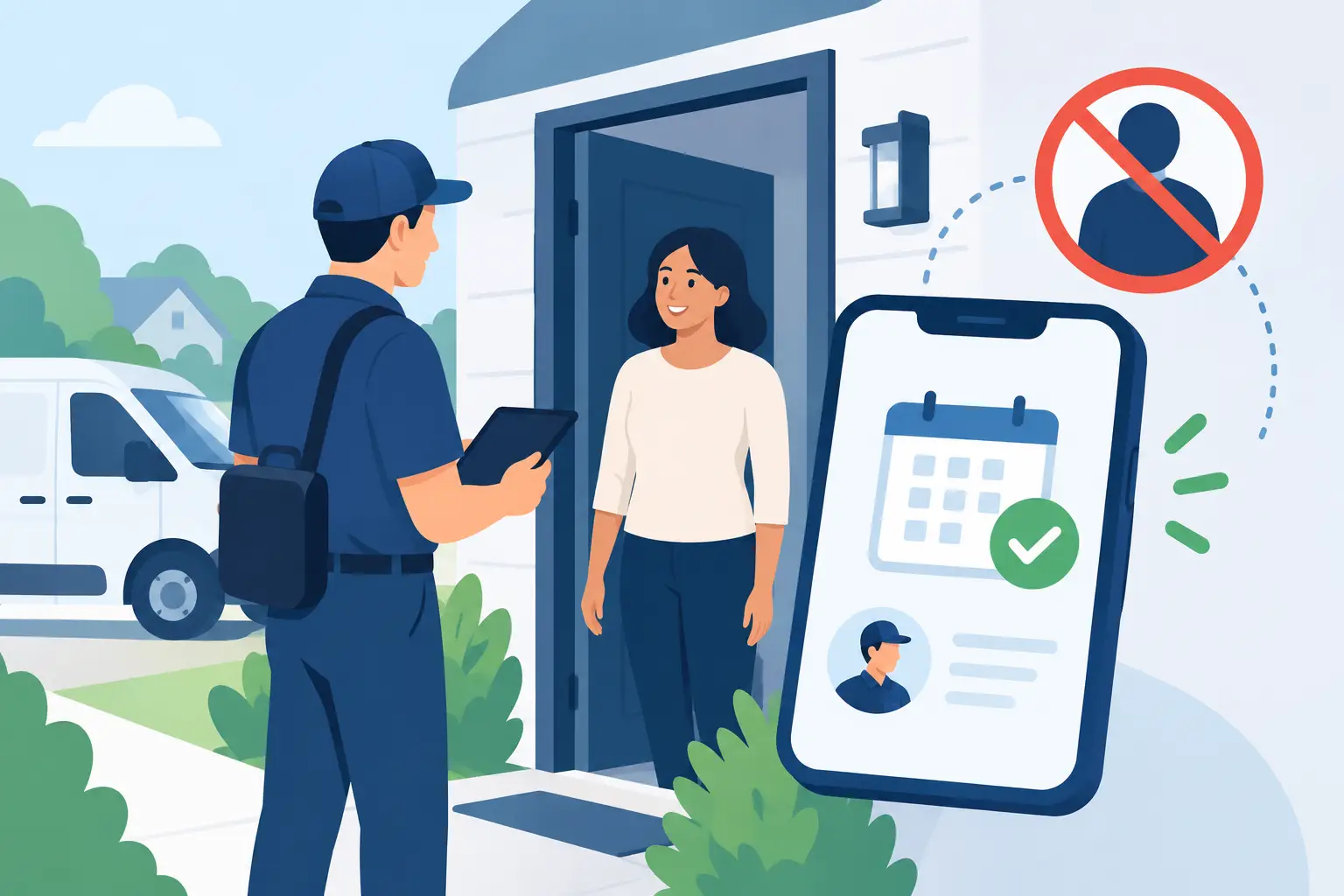
A technician loses an hour driving to a Tuesday 10 a.m. estimate, knocks twice, calls twice, and gets nothing. The cost is not just fuel. It is the qualified caller who could have taken that slot, the crew schedule that now has a hole, and the office team scrambling to recover the day. To reduce field appointment no shows, service businesses need more than a reminder text. They need a booking and confirmation process that makes the customer commit, makes it easy to change plans, and gives dispatch enough warning to act.
For restoration, HVAC, plumbing, roofing, and other field-service teams, an appointment is not revenue just because it appears on a calendar. It becomes a productive appointment when the prospect is qualified, the time is genuinely available, the decision-maker understands the visit, and the customer confirms they will be there.
Why Field Appointments Turn Into No-Shows
Most no-shows begin before the appointment is booked. A rushed office coordinator may accept incomplete contact details, offer a broad time window without explaining it, or place an inquiry on the calendar before confirming that the caller is a fit. After-hours leads are especially vulnerable. A caller leaves a voicemail at 9 p.m., reaches out to two other companies, and may forget which business promised to call back.
Some misses are unavoidable. A homeowner may have an emergency, a property manager may lose approval, or a jobsite may become inaccessible. The goal is not to pretend every absence can be prevented. The operational goal is to identify uncertainty early enough to fill the opening, reroute the crew, or avoid an unproductive truck roll.
There is also a meaningful difference between a cancellation and a no-show. A cancellation received the day before can often be recovered. A customer who simply disappears at the scheduled time leaves dispatch with no options. Your workflow should reward early communication and remove the friction that makes customers choose silence.
Reduce Field Appointment No Shows Before the Calendar Write
Start with qualification. A full calendar is not a healthy calendar if it contains callers outside your service area, jobs below your minimum, renters who cannot authorize work, or people seeking a service you do not offer. Every unqualified booking creates a false sense of demand and increases the chance that a crew is sent nowhere useful.
Define the rules your team already uses when a good coordinator is on the phone. For example: service ZIP codes, property type, job urgency, insurance status, minimum project size, decision-maker availability, and whether the customer can be present. The right questions depend on the trade. A water mitigation company may need to confirm active damage, source control, and access. A contractor quoting a larger project may need the property owner and another decision-maker available for the estimate.
Then make those rules consistent after hours, during call spikes, and when the front desk is busy. PsPro AI can answer inbound calls and texts within seconds, apply business-specific fit rules, and offer only genuinely open slots from the connected calendar or dispatch board. That matters because an appointment offered at 9 p.m. should be as accurate as one booked by the office at 10 a.m.
A useful booking flow has clear operating states: qualified, slot held, customer details verified, calendar written, and confirmation sent. A temporary slot hold is particularly important when multiple prospects are booking at once. It prevents two people from being promised the same technician time while the system collects the remaining details.
Make the Appointment Specific Enough to Keep
Vague appointments invite vague commitment. “We will come by sometime Tuesday” is easy for a customer to forget or deprioritize. A confirmation should state the date, arrival window, address, service requested, and what the customer needs to do before the visit.
For a restoration inspection, that may include ensuring someone can provide access and having claim details available if applicable. For an estimate, it may mean asking all decision-makers to attend. The message should not bury those requirements in a long paragraph. Put them in plain language, because the customer should understand exactly what they agreed to.
Confirm the best mobile number while the customer is engaged. Do not assume the number from caller ID is correct, shared, or able to receive text messages. If the visit depends on a gate code, tenant coordination, parking instructions, or a commercial contact, collect that information before dispatching a vehicle.
The trade-off is speed. Too many questions can cause an urgent prospect to abandon the booking. Ask only what is required to determine fit, reserve the right resource, and complete the visit. Additional discovery can happen later, but basic access and attendance requirements cannot.
Use Confirmation Messages as an Operating Checkpoint
The first confirmation should go out immediately after the calendar is written. It gives the customer a record of the commitment and gives your team an early opportunity to catch incorrect addresses, dates, or phone numbers.
The more important message is the day-before confirmation. It should ask for an explicit response, not merely announce the appointment. A simple “Reply Y to confirm, R to reschedule, or C to cancel” creates a measurable checkpoint. If the customer replies, the job can stay on the schedule with greater confidence. If they request another time, the system can present available alternatives instead of forcing them to call during office hours.
If there is no response, do not treat that as confirmation. Place the appointment into an exception queue. Your office can attempt a call, send a second message, or decide whether the risk warrants a different dispatch plan. For high-value estimates or longer drives, a same-day confirmation can be sensible. For urgent damage work, the window may be shorter and the outreach more direct.
The right cadence depends on the service. Too many reminders can feel careless or spammy, especially for a booked appointment only a few hours away. Too few leave customers without an easy way to communicate. Test the sequence against your actual show rate, not a generic industry benchmark.
Make Rescheduling Easier Than Disappearing
Customers often no-show because rescheduling feels inconvenient or embarrassing. They may be at work, dealing with a family issue, or unsure whether a late cancellation will create a penalty. If the only option is calling a busy office line, many will do nothing.
Two-way text creates a lower-friction path. When a customer says they need another time, present slots that are actually open, update the calendar, and send the new confirmation. If they cancel, record the reason when possible. “Sold the property,” “insurance declined,” and “already hired another company” are different operational signals and should not be treated as a single lost appointment category.
Cancellation handling also protects your team from calendar conflict. Once an opening is real, dispatch can move a nearby job forward, assign follow-up work, or offer the slot to a qualified lead waiting for service. That is the difference between a passive calendar and an active capacity-management process.
Give Dispatch a Clear Exception Workflow
Automation should not hide problems. It should make them visible earlier. Dispatch needs a short, consistent list of appointments requiring attention: unconfirmed visits, invalid numbers, access issues, reschedule requests, duplicate bookings, and prospects who no longer meet qualification rules.
Assign ownership for each exception. If nobody owns unconfirmed appointments by a set cutoff, they become tomorrow morning’s surprise. A dispatch manager may own same-day route decisions, while an office coordinator handles day-before outreach. The exact split depends on your team, but the handoff must be explicit.
Track no-shows by source, service type, booking time, lead score, distance, and appointment setter. Patterns will emerge. Leads booked after hours may show at a different rate than leads booked during office hours. A certain ZIP code may create more access issues. A particular service may require a stronger attendance script. Do not use the data to blame staff before checking the process. The point is to find where commitment weakens.
Measure the Cost of a Missed Visit
Track appointment show rate alongside booked appointments. A team that books 100 visits with an 80% show rate may create less usable work than a team that books 85 with a 95% show rate. Also measure confirmed-before-dispatch rate, cancellations received with enough notice to refill the slot, and the number of truck rolls avoided because a problem was identified early.
Revenue attribution adds necessary context. A no-show rate is useful, but it does not reveal whether the appointments that did occur were qualified or profitable. Review which lead sources, job types, and booking pathways produce completed visits and closed revenue. Then adjust qualification rules, reminder timing, and dispatch requirements based on what the business can actually support.
A good next step is simple: pull the last 30 days of missed appointments, read the notes, and classify each one as qualification failure, contact failure, confirmation failure, access failure, or unavoidable change. The calendar will tell you where the work is leaking. Fix that point in the workflow before asking your crews to absorb another empty stop.