
Be There for Every Emergency: Automate After-Hours Calls
Be there for every emergency without losing sleep. AI voice agents answer, screen callers against fit rules, and book qualified leads automatically.
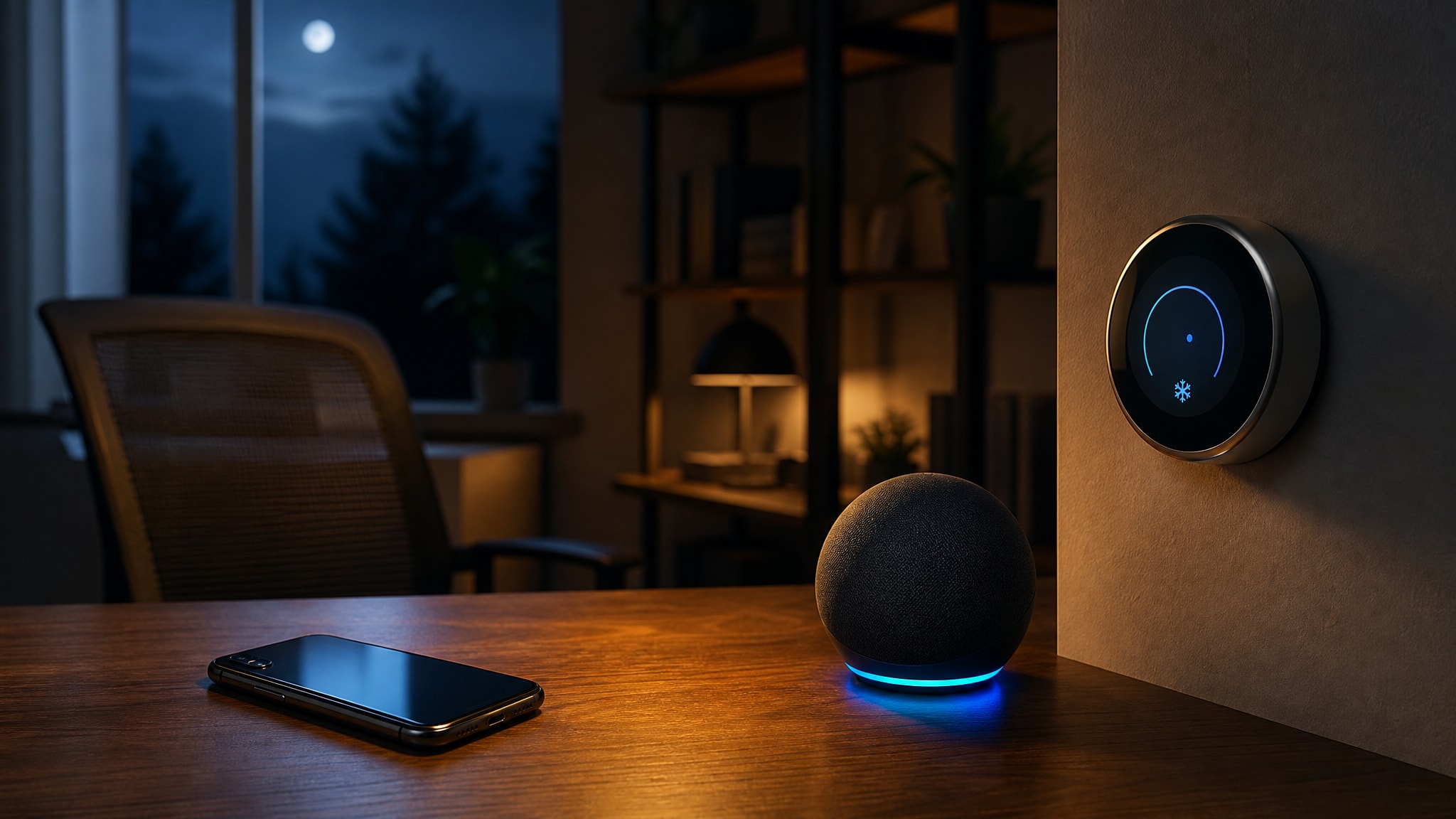
Your phone rings at 9:15 PM on a Tuesday, long after your team has gone home. A homeowner with a broken furnace does not leave a detailed voicemail and wait for a morning callback. They hang up and dial the next contractor who answers, because in an emergency, availability is the only qualification that matters.
You can't be there for every emergency personally, not without giving up sleep. But your business can still catch these calls automatically. PsPro AI builds voice agents that answer, screen callers against your fit rules, and book qualified leads directly into open calendar slots, no human on duty required.
The Reality of After-Hours Emergency Calls
The gap between your posted closing time and the next business morning is when emergency demand peaks and your operational capacity drops to zero. A majority of inbound calls to service businesses land outside standard 9-to-5 hours, and that's a real chunk of revenue going unclaimed by any business relying on voicemail. Daytime efficiency can't fix a structural mismatch like that.
Why Customers Call When You Are Closed
Emergencies don't respect business hours, and neither do the people living through them. A homeowner with a broken furnace at 9 PM on a Tuesday will not wait for a callback. They book the first contractor who answers and confirms availability.
This isn't poor planning on the customer's part. Furnaces fail and pets get sick at random, and plenty of that happens after the office lights go off. Your customers call after hours because that's when their crisis happened.
The Cost of Sending Emergencies to Voicemail
Every emergency call that hits voicemail is a near-certain loss, both the immediate job and the customer's trust. Businesses that respond to leads within five minutes convert significantly more of them than businesses that wait thirty minutes, and after-hours emergencies compress that window further. The caller isn't browsing. They're trying to make a problem stop.
The lost revenue from missed calls piles up quietly over months, and it often outweighs the cost of just fixing the problem.
Voicemail is a dead end for emergency triage.
Defining a True Emergency Versus Standard Inquiries
Being available for every after-hours call isn't sustainable, and it isn't even profitable. The goal is catching the high-value emergencies that justify off-hours attention while letting routine inquiries wait for business hours. Get this distinction right and you protect your own time without letting revenue slip through the cracks.
Setting Fit Rules for After-Hours Triage
Decide what counts as a billable emergency before the phone rings. Making that call at 2 AM, half asleep, is how you get inconsistent outcomes. Active water damage, a dead furnace in winter, an animal in acute distress: these are the kinds of specifics that should decide whether a caller gets booked.
Fit rules like these let your system tell a burst pipe that needs a dispatch tonight from a bathroom renovation inquiry that belongs in tomorrow's queue.
Filtering Noise While Protecting Revenue
Good triage filters out the noise without turning away real emergency work. A well-configured system asks questions tied directly to your margins and your capabilities, so only callers who actually meet your criteria get a slot. That keeps your emergency line from turning into a free advice hotline, and it keeps the high-margin urgent jobs moving to the front of the queue.
Not every after-hours call deserves an immediate response.
Speed to Lead in Emergency Scenarios
Emergency callers are under real time pressure, and they read any delay as unavailability, or worse, incompetence. Response time swings conversion harder for emergency calls than almost anything else, because an anxious caller is often dialing three contractors at once and booking whoever answers first. Acknowledging the call instantly is what buys you credibility, before you've said a word about price or scheduling.
The Five-Second Response Standard
Industry benchmarks put the acknowledgment window at five seconds. Miss it and the caller starts wondering if anyone's actually on the line. That's a tighter standard than ordinary business calls get, because stress compresses how a caller experiences silence.
Hitting five seconds consistently, across every overnight and weekend hour, basically requires automation. Staffing humans for guaranteed sub-five-second pickup around the clock gets expensive fast.
Why Speed Matters More Than Perfect Information
Answering instantly signals competence before any actual work happens, and that's what a distressed caller needs first. Confirming that help is on the way matters more in the first thirty seconds than collecting a full diagnostic history, because the caller just wants to stop searching. Once you've got their attention, you can gather the details at a normal pace, without losing them to whoever picks up next.
Speed is your first deliverable in an emergency.
Automating the Intake and Booking Loop
Catching emergency leads without putting a human on call means the system has to run the whole intake-to-booking workflow itself. PsPro AI agents screen callers against owner-defined fit rules and write qualified bookings directly to open calendar slots without human intervention. That closes the loop between first contact and confirmed appointment, and it turns after-hours coverage from a burden into something closer to a passive revenue stream.
Qualifying Callers Against Your Criteria
The AI voice agent runs the same structured intake on every caller, at any hour, at any volume. It asks about symptom severity, location, and equipment type to check the call against your emergency threshold before promising anything. That kind of consistency is hard to get from human dispatchers on irregular overnight shifts. Your fit rules get enforced the same way at 3 AM as at 3 PM.
Writing Appointments Directly to Open Slots
A qualified emergency gets a confirmed booking pulled from your real calendar, not a vague promise of a callback. The system checks for slots that fit your emergency parameters and writes the appointment directly, so the caller hangs up with something concrete. No manual coordination, and no double-bookings from two people touching the same schedule at once.
Your calendar fills itself while you sleep.
AI Voice Agents Versus Traditional Answering Services
Traditional answering services bring variability into emergency triage. Human dispatchers get tired, get distracted, and don't always follow protocol the same way at 4 AM as at 4 PM. When comparing AI agents to answering services, the real difference is deterministic logic against human judgment: an automated system applies the same standard to every call, every time.
That consistency matters even more for emergency handling for contractors, where misclassifying an urgent call costs real money and real reputation.
Limitations of Human Dispatchers After Hours
A human answering service can't hold perfect protocol across thousands of overnight calls spread across months. Fatigue shortens the qualification conversation, skips fit-rule checks, and produces booking errors, sometimes rejecting a real emergency, sometimes booking one that isn't profitable. Turnover makes it worse: every new hire needs a training period, and your triage quality wobbles until they're up to speed.
Consistency in Emergency Screening
An AI voice agent runs the same screening logic with the same thoroughness on call one and call one thousand. It doesn't rush through questions at 4 AM, and it doesn't cut corners because the last three calls were rough. Your standards stay put regardless of what else is happening that night.
Automation does not get tired, distracted, or inconsistent.
Measuring the Impact of 24/7 Emergency Coverage
Judging after-hours performance means tracking emergency call outcomes separately from your regular daytime numbers. Compare conversion rates for after-hours calls against your old voicemail abandonment rates, and against whatever your competitors are managing. Falling voicemail volume alongside rising booked emergency jobs is the clearest sign the system is catching value that used to just disappear.
Track the delta between pre-automation and post-automation emergency revenue.
Feedback from callers who booked an after-hours appointment tells you whether the automated experience actually worked for someone in the middle of a crisis. Watching average handle time and how often qualification actually completes will tell you if your fit rules are too tight or too loose, so you can adjust based on real conversion data instead of guessing. These are the numbers that show whether your automated after-hours booking system is earning its keep.
Implementing an Always-On Emergency Protocol
Rolling out after-hours coverage takes some deliberate setup, so it doesn't disrupt your daytime workflow or confuse existing customers. Define the exact windows: emergency mode triggers automatically at your published closing time, and reverts to standard operation at opening. That boundary keeps the AI agent out of your team's way during business hours.
Configuring Availability Windows
Line the transition points up exactly with your posted hours, so there's no gap and no overlap. Emergency protocols should switch on the moment you close and switch off the moment your team is back. Tell customers clearly when emergency service applies, so the after-hours line doesn't turn into a shortcut for routine questions that should wait for business hours.
Testing the Handoff Process
Before going live, place test calls during both business hours and emergency mode to check routing and booking behavior. Run through qualified emergencies, obvious non-emergencies, and the edge cases in between, and confirm the agent applies your fit rules correctly and books the way it should. Test again after any change to your calendar or your qualification criteria. That's usually where an unexpected failure sneaks into the after-hours pipeline.