
Automated Call Triage That Protects Your Schedule
Automated call triage answers urgent leads, applies your fit rules, and books real openings without filling your schedule with wasted visits after hours.
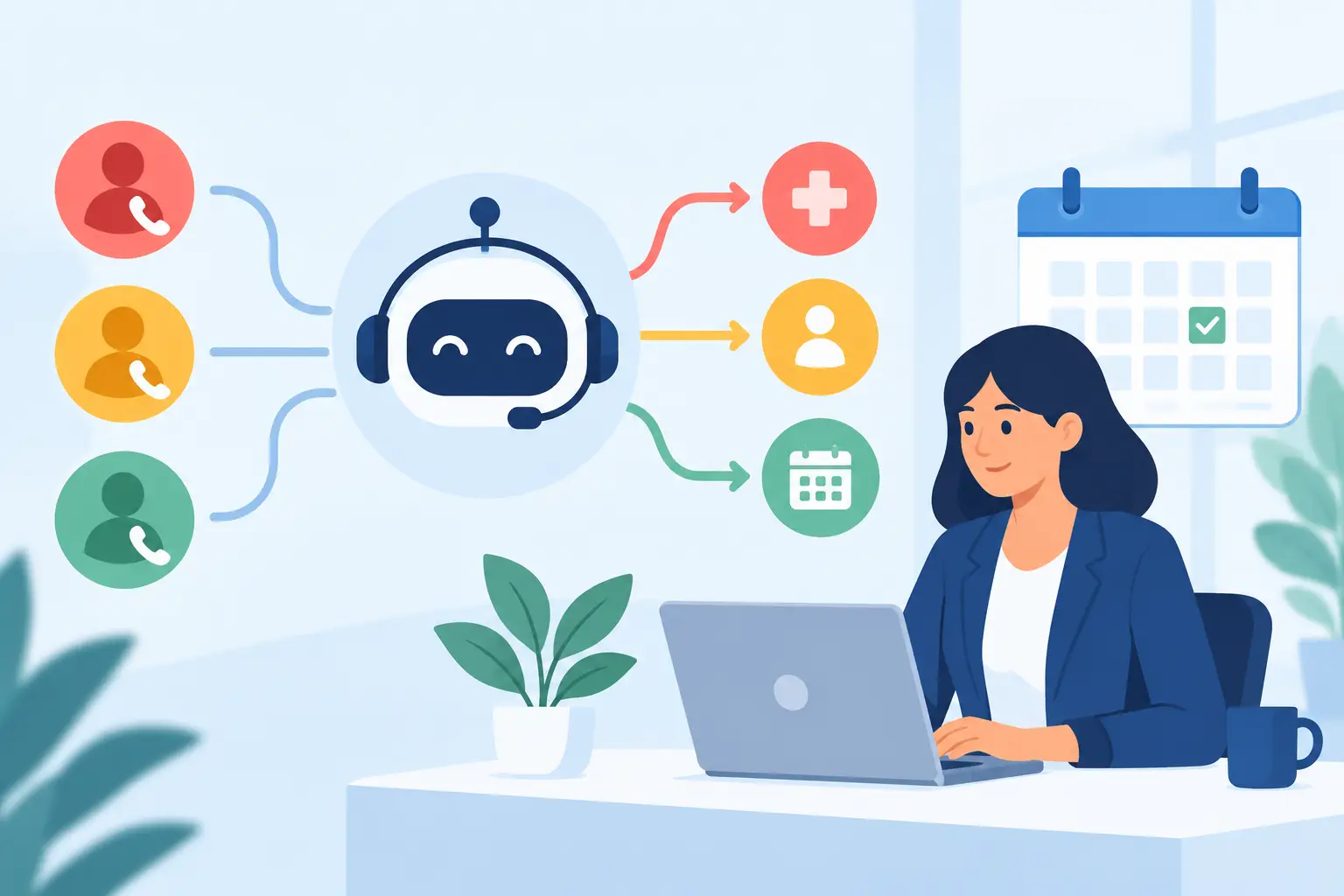
At 9:12 p.m., a homeowner calls about water spreading across a finished basement. By morning, that caller will either have a confirmed appointment, a clear next step, or a voicemail they have already replaced with another company. Automated call triage decides which outcome your business creates - and whether your calendar fills with qualified work or expensive distractions.
For service businesses, answering the phone is not the same as managing inbound revenue. A caller may need emergency service tonight, want a quote next week, fall outside your service area, be seeking a service you do not provide, or be shopping for the lowest possible price. Each situation needs a different response. Sending every caller straight to the calendar may look efficient until crews are dispatched to poor-fit jobs, duplicate appointments, and no-shows.
The right system moves quickly, but it does not treat every lead the same.
What Automated Call Triage Actually Does
Automated call triage is the process of answering inbound calls, identifying the caller's need, applying business-specific qualification rules, and routing the next action without waiting for a person to review voicemail. That action might be booking an appointment, escalating an emergency, routing an existing customer to the on-call team, sending a follow-up text, or politely declining work that does not fit.
For a restoration company, the first questions may establish whether there is active water, fire, mold, or another loss event; whether the property is in the coverage area; whether the caller is the owner or authorized decision-maker; and whether immediate dispatch is required. For another trade, the questions will differ. The point is not to force callers through a generic script. It is to enforce the same intake judgment your best dispatcher uses when the office is busy.
A useful triage workflow produces an observable result:
Call answered. The caller reaches an AI voice agent within seconds, including after hours.
Need identified. The agent captures the service request, urgency, location, contact details, and any trade-specific information your team needs.
Fit checked. Your rules determine whether the caller belongs in the schedule, needs escalation, or should receive a different outcome.
Availability verified. The system checks genuinely open capacity in Google Calendar, Microsoft 365, or the dispatch board you use.
Slot held and booked. A short hold prevents two callers from taking the same opening while the appointment is confirmed and written to the calendar.
Team informed. The booked job, cancellation, or escalation is pushed to the endpoint your operation uses, with the caller's details and disposition attached.
That is triage. It is not an answering machine with a nicer voice.
Why a Faster Answer Is Only Half the Job
Speed matters because the caller with an urgent problem is rarely calling one company. But speed without qualification creates a different failure: the calendar becomes a warehouse for work your team should never have accepted.
Consider a company that serves three counties, handles emergency water mitigation, and requires an adult decision-maker to be present for an inspection. A basic booking tool may offer the next open slot to anyone who asks. It cannot protect the schedule from an out-of-area inquiry, a tenant without authorization, or a caller looking for a service the company does not offer.
That is why automated triage should be tied to operating rules, not just call routing. The system needs to know what qualifies as urgent, where crews travel, which job types are profitable, what information must be collected before dispatch, and when a live person needs to take over.
There is a trade-off. If qualification is too loose, staff spend their day cleaning up the calendar. If it is too strict, legitimate opportunities may be rejected or delayed. The best setup starts with the rules your office already uses, then reviews recordings, transcripts, outcomes, and lost opportunities to refine those rules. Automation should make your standards consistent, not make them inflexible.
How Automated Call Triage Protects the Calendar
A calendar is not proof of revenue. A calendar with qualified, confirmed appointments is much closer.
The operational value comes from connecting intake to actual availability. If an AI agent promises Tuesday at 10:00 a.m., that slot must be open for the right crew, territory, and appointment type. It also needs protection while the caller confirms. Without live calendar reads, temporary slot holds, and calendar writes, a booking conversation can create a double-booking problem faster than a dispatcher can catch it.
A disciplined workflow handles the full appointment path. It books the qualified prospect, sends the confirmation text, supports rescheduling and cancellation, and asks for confirmation again before the visit. If the customer cancels at 7:00 a.m., the business should know before a truck rolls. If the caller says the situation is actively worsening, the system should route the event according to the on-call plan instead of placing it into the next routine estimate slot.
This matters most when office coverage drops off. The 9:00 p.m. caller is not asking your business to process a voicemail tomorrow. They are asking whether you can solve a problem. A confirmed appointment gives your team a planned next step. An unanswered voicemail gives the caller time to keep dialing.
Build the Rules Before You Turn It On
The quality of automation depends on the quality of the decisions it is authorized to make. Before deploying a triage agent, document the intake rules that experienced staff carry in their heads.
Start with service scope and geography. Define the services you accept, the locations you serve, any exclusions, and the language your agent should use when the request is outside those boundaries. Next, define urgency. Not every water call has the same dispatch priority, and not every caller who says “emergency” needs a crew immediately.
Then establish appointment rules. Which appointment types can be booked automatically? How much time should each require? Which crews, territories, and time windows apply? What happens if the first available opening is too far away for a high-priority caller?
Finally, define escalation. A good system does not pretend every conversation can be automated. It should know when to route a call to the owner, on-call technician, dispatcher, or sales lead. Escalation triggers might include active property damage, a commercial loss, an existing customer with an urgent issue, a caller requesting a manager, or uncertainty that could create risk.
These decisions should be written in plain operational language. “Book all leads” is not a rule. “Book homeowner water-loss inspections within 35 miles during open mitigation capacity, and alert the on-call lead for active flooding” is a rule a system and a team can execute.
Measure What Happens After the Call
Do not judge call triage by how natural the voice sounds in a demonstration. Judge it by what happens in the operation the next morning.
Review answer rate, time to first response, qualified appointments booked, unqualified inquiries screened out, escalations, cancellation rate, no-show rate, and the time staff spend returning messages. Then connect booked appointments to closed revenue where your process allows it. A high booking count is not automatically a win if those appointments do not fit, show, or convert.
Call recordings and searchable transcripts are useful here, provided callers receive the required disclosure when recording is enabled. They show whether the agent collected the facts dispatch needs, whether callers understood the appointment, and where your rules need adjustment. Lead scoring can help prioritize follow-up, but it should support human judgment rather than hide it behind an unexplained number.
PsPro AI is built around this operational chain: answer, qualify, verify availability, book, confirm, escalate when needed, and send the result into the systems your team already uses. The goal is accountable intake, not an AI performance for its own sake.
The Standard to Hold It To
Automated call triage is worth deploying when it produces fewer unanswered opportunities and fewer bad appointments at the same time. If it only answers calls, it leaves the hard work for your staff. If it only books calls, it can create a calendar problem disguised as growth.
Set the standard higher. Every inbound contact should move toward a specific, defensible outcome: a qualified appointment in a real open slot, a routed urgent issue, a scheduled follow-up, or a clear no. That is how an after-hours call becomes work your business can actually deliver.