
How to Automate Service Area Screening for Calls
Automate service area screening to stop out-of-area restoration calls, protect dispatch capacity, and book qualified emergency losses faster every night.
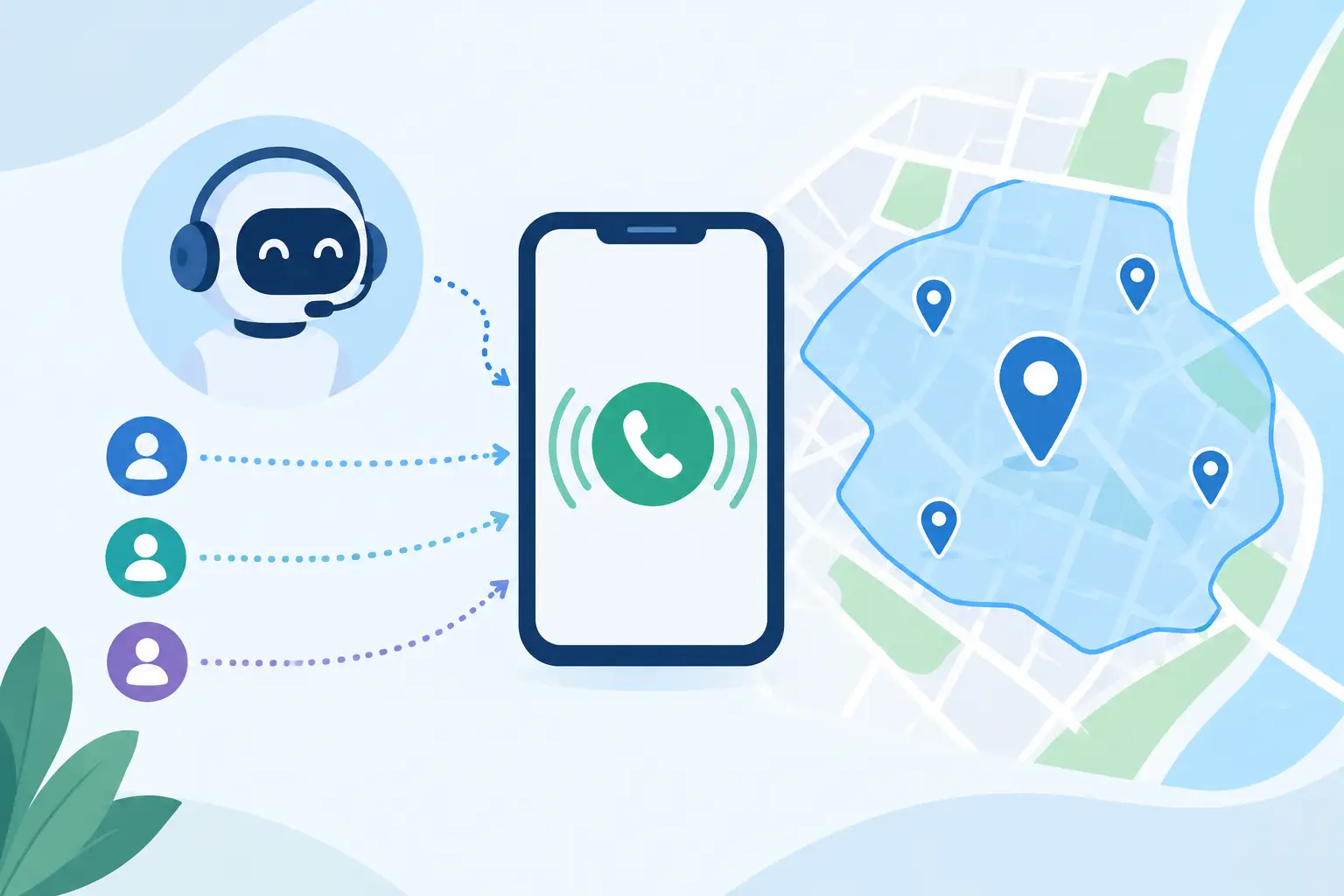
A homeowner calls at 9:12 p.m. with water coming through the ceiling. Your after-hours system answers, but the property is 70 miles outside your real operating radius. If that call reaches an on-call technician before anyone checks the address, you have already spent attention on a job your team cannot profitably serve.
To automate service area screening is to stop making geography a manual dispatch decision. The right system verifies where the loss is, applies the rules your company actually follows, and moves qualified callers toward the next available crew or estimator. Everyone else receives a clear answer without occupying a dispatch slot, a technician's phone, or tomorrow morning's call-back list.
For restoration companies, this is not a map feature. It is a revenue control. A crew dispatched to the wrong ZIP code is not available for the water loss that can be reached in 45 minutes.
Why Manual Service Area Checks Break Under Pressure
Most companies have a service area in their heads: a set of towns, ZIP codes, counties, or drive-time boundaries that make sense on a normal day. The problem starts when that knowledge lives with one dispatcher, an on-call manager, or a technician trying to assess a frantic caller between jobs.
After hours, the question is rarely asked in a consistent order. Someone may collect the loss type and phone number, promise a callback, then discover the address sits beyond the coverage line. During a storm surge, the opposite problem appears. A dispatcher may approve a distant job because the call sounds urgent, only to find that travel time, crew availability, and local demand make the appointment unworkable.
The cost is larger than one wasted truck roll. Out-of-area inquiries can fill calendars, delay response to profitable local losses, and create promises your operations team cannot keep. A homeowner who hears "we can be there soon" does not care that the address was entered incorrectly or that the office assumed a different city with the same name.
Service area rules also change by job type. A company may travel farther for a large commercial fire loss, a managed program assignment, or a referral partner's emergency. It may decline a small self-pay mold inspection outside its core territory. One blanket radius cannot make those decisions well.
Automate Service Area Screening Before You Offer a Slot
The sequence matters. Availability should not be presented until the system knows the property is eligible for service. Otherwise, callers can select an appointment that dispatch later has to cancel, and the calendar shows capacity that was never truly available.
Start by having the agent ask for the service address early in the conversation. It should confirm the city, state, and ZIP code rather than relying on a caller's area code or a vague statement such as "we are near the county line." The loss location, not the caller's home address or billing address, is the operational fact that matters.
That address is then checked against your defined coverage rules. For some operators, the rule is a list of approved ZIP codes. For others, it is a county list, a drive-time limit from the branch, or a combination of geography and crew location. A multi-location business may need the inquiry routed to the closest qualified branch rather than rejected outright.
The answer needs to be immediate and specific. When the address qualifies, the agent continues to screen the loss and checks live availability. When it does not, the system follows your chosen policy: politely decline, capture the information for review, route the lead to a partner, or escalate it to an authorized manager. The important point is that an exception is intentional, not the result of a tired technician making an unsupported promise at 1 a.m.
Build Rules Around the Work You Will Actually Dispatch
A useful screening policy does not simply ask, "Is this address on our map?" It asks whether this loss should use one of your limited response opportunities.
For a water emergency with standing water, your acceptable radius may be tight because speed determines the chance to mitigate damage and win the job. For a scheduled mold assessment, you may set a different boundary if an estimator has planned route capacity. For commercial, insurance-program, or catastrophe work, your manager may approve an expanded zone only when the loss meets size, property, or carrier criteria.
This is why a generic answering service often falls short. It can take an address and pass along a message. It cannot reliably enforce the relationship between geography, loss type, payment path, hazard level, branch coverage, and the open dispatch schedule unless you give it a restoration-specific decision structure.
Your intake rules should account for at least these operational questions:
- Is the loss inside the normal coverage area for this branch?
- Is it an emergency that requires immediate escalation, such as active flooding, sewage, fire damage, or a safety hazard?
- Does the property type fit your team, whether residential, commercial, multifamily, or industrial?
- Does insurance, program work, or self-pay status change whether an exception is worthwhile?
These are not questions to ask for the sake of collecting data. Each answer determines whether a crew should be dispatched, an estimator should be scheduled, a manager should approve an exception, or the inquiry should be closed without consuming capacity.
What the Call Flow Should Look Like
A reliable workflow is visible to the office team the next morning. It should show what happened, why it happened, and what, if anything, needs human follow-up.
A caller reports a burst supply line at a home inside the service area. The AI agent captures the address, confirms that water is active, asks whether the homeowner has shut off the source, and identifies whether insurance will be involved. The address passes the area rule. The agent checks the dispatch calendar, holds an available slot for five minutes while details are confirmed, writes the appointment once booked, and sends a confirmation text.
The status trail might read: address verified, service area approved, emergency escalation triggered, slot held, appointment confirmed, on-call technician notified. Dispatch does not wake up to a vague voicemail. It wakes up to a documented, qualified loss with an arrival window and caller details.
Now change one fact: the same home is outside your coverage area. The agent should not keep selling an arrival time. It records the inquiry according to your policy and communicates the boundary clearly. If the loss meets a preapproved exception rule, it routes to the correct decision-maker with the address, damage type, and urgency already captured. If it does not, the call ends professionally without placing a false appointment on the calendar.
That distinction protects customer trust as much as dispatch efficiency. A declined call is disappointing. A confirmed appointment that your company later cancels is worse.
Use Different Rules for Storm Days
Service areas are not fixed in every operating condition. A branch that comfortably serves a 40-mile radius on a normal Tuesday may need to contract that radius when local storm volume spikes. Road closures, crew saturation, equipment shortages, and travel time all change what "serviceable" means.
Your automated screening should support temporary operating modes. During a surge, management may restrict intake to core ZIP codes, active water losses, existing customers, or insurance-program assignments. During slower periods, the business may accept a wider zone for selected job types. The rules should be changed by an authorized operator, not improvised across dozens of calls.
This is also where schedule accuracy matters. Do not treat a screened-in address as a guaranteed appointment if crews are already committed. A qualified loss still needs a real slot, an on-call escalation path, or a stated response window. Screening and scheduling are separate controls that must work together.
Measure the Decisions, Not Just Call Volume
If you automate service area screening, track more than how many calls were answered. Measure how many inquiries were inside the standard area, how many were declined, how many became approved exceptions, and how many qualified losses reached a confirmed appointment.
Review the reasons behind exceptions. If managers repeatedly approve calls from one neighboring ZIP code, your stated territory may be too narrow. If a certain area produces long drives and low close rates, tighten the rule. If an address-validation issue is creating false declines, correct the intake prompt before it costs a legitimate emergency.
PsPro AI can apply these rules at the first conversation, then document the screening result alongside the booked loss, escalation, cancellation, or declined inquiry. That gives owners and dispatch managers something better than anecdotes when they adjust coverage policy.
The best service area policy is not the broadest one. It is the one your crews can honor without delaying the local emergency caller who is still deciding which restoration company gets through the door first.