
AI Receptionist for HVAC Companies: Books After-Hours Jobs
An AI receptionist for HVAC companies answers calls, checks live schedules, and books jobs instantly to capture after-hours emergency revenue.
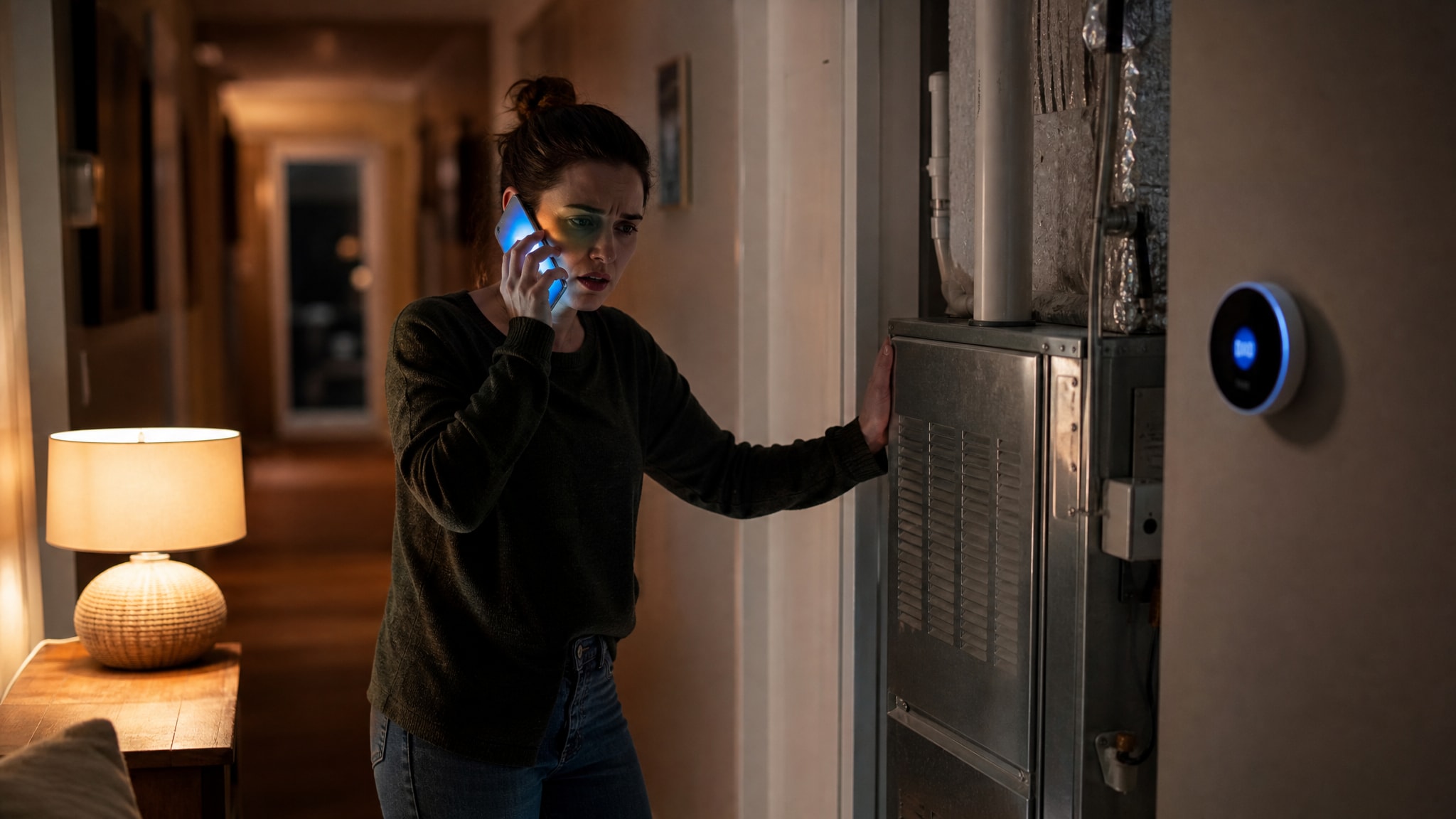
A homeowner calling at 9 PM with a furnace failure wants immediate confirmation of service, not a promise of a callback the next business day. For HVAC companies, that gap between closing time and the next morning is where revenue disappears. Distressed customers rarely leave voicemails. They call the next available provider instead.
An AI receptionist for HVAC companies closes that window. It answers instantly, qualifies the caller against your specific fit rules, and books qualified jobs directly into open calendar slots without human oversight.
This technology doesn't replace your dispatch team, and it doesn't handle complex warranty disputes that need human judgment and account history. It has one job: capturing after-hours emergency demand that would otherwise go to whichever competitor answers first.
Why HVAC Businesses Lose Revenue After Hours
Most HVAC businesses don't have a lead problem during the day. They have a capture problem at night, when high-intent demand shows up and the office is closed. You lose these opportunities because the standard alternative to live coverage is passive voicemail, and voicemail doesn't match the urgency of a heating or cooling emergency. The cost of missed calls compounds fast in emergency trades, where the customer's problem is immediate and tied to the weather outside.
Callers facing a broken AC unit in July or a failed boiler in January are in active distress. They work on a speed-to-lead basis that punishes delay, and they read silence as unavailability. So they move down their search results until they hit a business that offers instant assurance. That means your marketing spend is generating after-hours leads your operations never convert, because the intake mechanism can't match the caller's timeline.
An AI receptionist closes that gap by giving callers the instant response voicemail can't.
How an AI Receptionist Handles HVAC Intake
PsPro AI agents answer calls in under five seconds, qualify leads against owner-defined fit rules, and book directly into open calendar slots without human oversight. Speed matters here: a distressed homeowner judges reliability by how fast you acknowledge the problem and offer a concrete fix. The system runs a loop that mirrors your best dispatcher's logic, except it never gets tired and never gets distracted.
When a call comes in, the agent identifies the issue, checks real-time technician availability, and writes the appointment to your schedule before hanging up. You keep control over what gets booked, because the agent only confirms slots that match your current capacity and service parameters. That avoids the usual failure mode of automated systems: overpromising access or creating scheduling conflicts your team has to untangle later.
The call ends with a confirmed appointment time instead of a promise to call back.
Emergency Triage vs Standard Booking Workflows
Good HVAC intake separates true emergencies from standard requests. Get that wrong and you burn out your technicians or waste resources on calls that didn't need a premium dispatch. Not every after-hours call is a crisis, and treating them all like one erodes your margins while exhausting your on-call staff. An AI receptionist applies conditional logic to judge urgency from the symptoms the caller describes, rather than defaulting to panic or dismissal.
You can configure the agent to flag specific phrases, like "gas smell," "no heat with infant in home," or "water leak," as triggers for immediate emergency protocols. Calls that match get priority booking or direct escalation to an on-call technician, depending on how you've set things up. Routine maintenance requests get a polite acknowledgment and a slot during the next available business-hours window.
This triage keeps your emergency resources free for genuine crises while still capturing revenue from standard work.
AI Voice Agents vs Traditional Answering Services
Traditional answering services provide coverage, but they don't convert, because they take messages instead of securing commitments. A message-taker can write down a name and number. It can't check your live calendar or tell the caller when a technician will show up, so the caller hangs up exactly as uncertain as when they called. That's why many HVAC owners who switch to an AI voice agent versus answering service see a sharp jump in after-hours capture.
Speed-to-lead decides who wins the job, and the first provider to offer a confirmed time usually gets the customer. Traditional services introduce callback delays, and that gap is exactly what lets a faster competitor intercept the lead before your team gets back to the office. AI agents remove that lag by finishing the booking during the initial call. Inquiry becomes scheduled revenue in real time.
Passive coverage protects your phone line. Active booking protects your revenue.
Qualifying Leads Against Your Specific Fit Rules
Your technicians' time is finite and expensive. Fill after-hours slots with low-value or out-of-area calls and you destroy profitability on those jobs before a wrench ever turns. An AI receptionist screens every caller against criteria you define, like service zip codes, equipment types, or minimum job values, before it offers any availability. That qualification happens during the call itself, so callers who don't meet your standards get a respectful decline or referral instead of eating up dispatch resources.
High-value emergencies that match your ideal customer profile get prioritized and booked immediately. You skip the morning-after chore of manually filtering leads and discovering your schedule is full of unprofitable work. The agent enforces your business rules just as strictly at 2 AM as your office manager does at 2 PM.
This screening protects your margins while making sure legitimate emergency demand still gets the attention it deserves.
Integrating AI Bookings With Field Service Software
Capturing the call means nothing if the booking doesn't sync with your existing dispatch workflow on its own. Double-bookings and data entry errors creep in when automated systems operate in isolation from your field service management platform, and that creates more work than it saves. Integration is what turns an answered call into a completed job: the appointment lands on your technician's route exactly as if a human had typed it in.
You need an AI receptionist for contractors that connects directly to your calendar and respects your existing blocking, travel time, and skill-based routing rules. PsPro AI integrates with common field service platforms to write bookings that trigger the same notifications and workflows as manual entries. That removes the administrative friction that usually undermines after-hours automation.
The goal is a single schedule where after-hours and business-hours bookings look identical to your dispatch team.
Measuring ROI From After-Hours Call Capture
Call volume and answer rates don't tell you much about revenue impact, so judge after-hours performance by something closer to the money. Count the booked appointments generated during off-hours and the revenue recovered from opportunities that used to go to voicemail. That shifts the conversation away from cost-per-minute comparisons and toward lead conversion rates and average ticket value for captured emergency work.
Track the share of after-hours calls that convert to scheduled jobs against the share that turn into callbacks or abandoned inquiries. Compare that conversion rate to your daytime baseline, and you'll see the specific lift the AI agent delivers during your most vulnerable hours. The math works when the recovered emergency revenue clears the cost of the service by enough to justify running it around the clock.
Revenue attribution gives you the data to scale or adjust your after-hours strategy based on actual financial outcomes, not assumptions about which calls matter.
Frequently Asked Questions
Can an AI receptionist really check my live technician schedule before booking?
Yes, the agent connects directly to your field service management software to view real-time availability and existing appointments. It only offers slots that are genuinely open and respects your configured travel times, job durations, and technician skill sets. This prevents double-booking and ensures the confirmed time is accurate.
How does the AI distinguish between a true emergency and a routine request?
The agent uses conditional logic based on keywords and symptom descriptions you define during setup, such as 'gas leak' or 'no heat with baby.' Calls matching emergency criteria trigger priority booking or escalation protocols while routine requests are scheduled for standard business hours. You control the thresholds so the triage matches your operational reality.
What happens if a caller doesn't meet my service area or minimum job requirements?
The agent politely informs the caller that you cannot service their request based on the criteria you've configured, such as zip code or equipment type. It can optionally provide a referral or suggest they call back during business hours for further assistance. This screening protects your technicians' time from unprofitable after-hours dispatches.
Will the AI booking integrate with my existing dispatch software without manual entry?
Yes, PsPro AI integrates with common field service platforms to write appointments directly into your calendar. The booking triggers the same notifications, route updates, and customer confirmations as a manually entered job. Your dispatch team sees a unified schedule with no additional administrative steps required.