
AI Dispatcher Versus Call Center for Restoration
AI dispatcher versus call center: compare response speed, loss screening, dispatch accuracy, and after-hours coverage for restoration companies today.
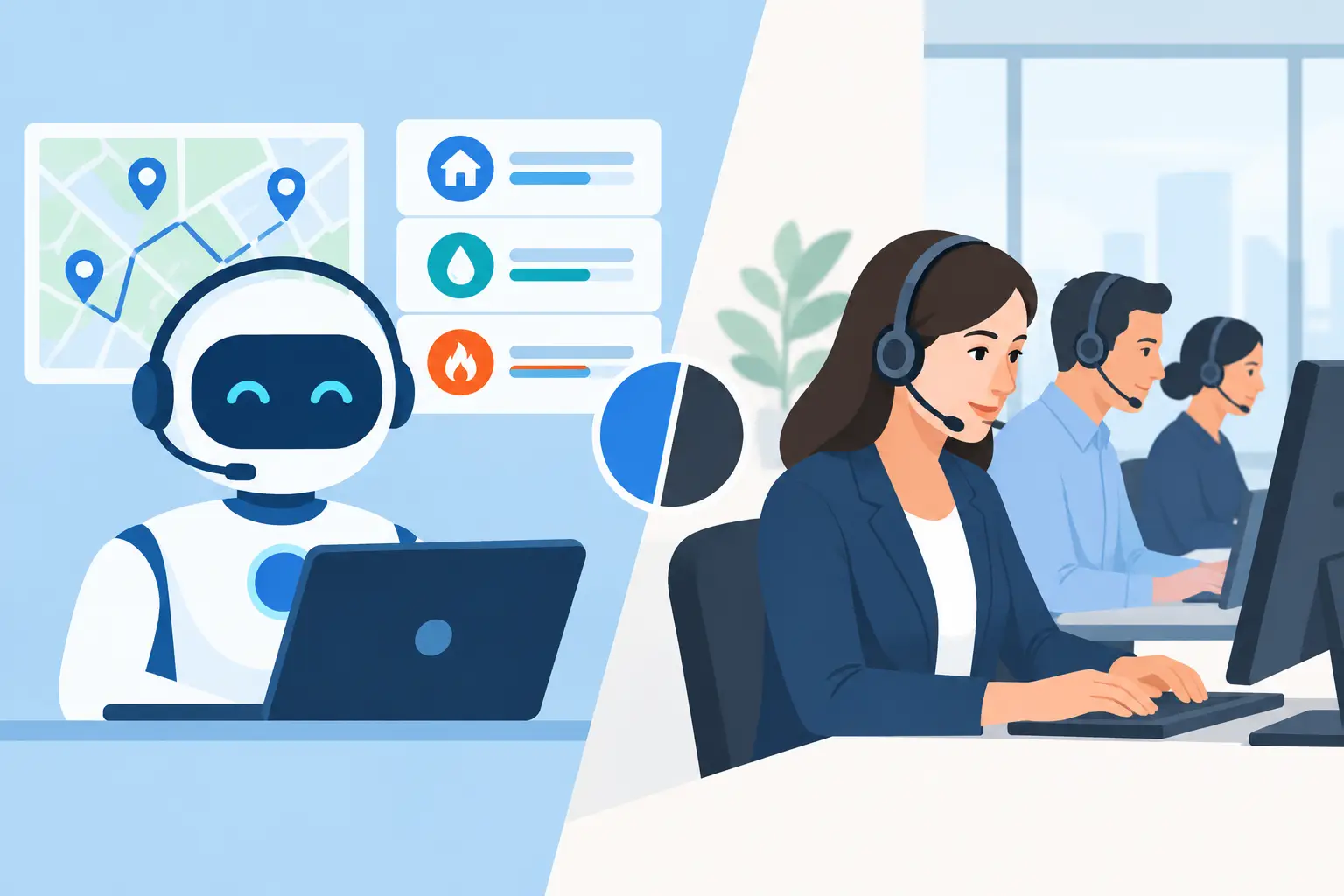
A homeowner calls at 2:07 a.m. because a supply line has burst behind the kitchen wall. They are not comparing service philosophies. They want to know whether someone can help, how soon a crew can arrive, and what to do before more water spreads. In the AI dispatcher versus call center decision, that moment is the test: can the system move a real emergency from ringing phone to qualified, scheduled loss without creating confusion for the caller or the on-call team?
For restoration operators, this is not simply a choice between technology and people. A traditional call center can provide human coverage, especially when calls are complex or emotionally sensitive. An AI dispatcher can answer immediately, apply your intake rules every time, check availability, and book the next correct action. The better option depends on what happens after the call is answered.
AI dispatcher versus call center: the operational difference
A call center typically receives the call, follows a script, captures contact details, and relays a message to your office or on-call technician. Some services offer escalation protocols. Others can warm-transfer calls. That coverage is better than voicemail, but it often stops before dispatch.
An AI dispatcher is built to complete a defined workflow. It can answer within seconds, identify the loss type, confirm the address and service area, ask whether there is standing water or an active hazard, establish whether the property is residential or commercial, and collect insurance or self-pay information. If the loss meets your criteria, it can hold an open appointment slot, write the booking to the schedule, send confirmations, and route an urgent emergency to the correct on-call person.
That distinction matters because a message is not a booked loss. If an answering service sends an email at 2:10 a.m. and a technician returns the call at 2:35, the homeowner may already have reached the next restoration company. The first company to answer often wins the opportunity. The first company to schedule a credible next step has a much stronger chance of keeping it.
Response speed is only the first control
A live call center agent may answer quickly, but speed alone does not prevent lost work. The intake must also be accurate enough to support a decision. A vague note that says, "Water damage, needs help" leaves your team to call back, determine the scope, verify coverage area, and find out whether the caller needs extraction now or an inspection tomorrow.
A well-configured AI dispatcher asks the questions your dispatch team already needs answered. For a water loss, that might include the source, whether the water is still running, affected rooms, visible standing water, property type, ZIP code, and access timing. For a fire or smoke claim, the questions change. For mold, the system may need to distinguish an inspection request from an active remediation opportunity.
This is where generic AI tools and generic answering services often fall short. They can take a message, but they do not know your service boundaries, minimum job requirements, insurer or program rules, or how your crews are actually scheduled. Restoration intake is not one script for every caller.
What a dispatch-ready workflow looks like
The difference becomes clear when the phone rings after hours. A practical workflow should look like this:
- The call is answered immediately, with a clear statement that the caller has reached your restoration company.
- The caller describes the problem, and the system identifies the likely loss category and urgency.
- Qualification rules are applied. Is the address in your service area? Is the property type one you serve? Is there an active hazard? Does the loss meet your insurance, program, or self-pay criteria?
- A qualified caller is offered a real next step based on live availability: an emergency escalation, a crew window, or an estimator appointment.
- The selected slot is temporarily held while the booking is completed, then written to the dispatch calendar. Confirmation details go to the caller and the appropriate internal team.
- If the caller is not a fit, the system can provide the approved response rather than sending an estimator to an out-of-area property or a job your company does not perform.
This sequence protects both sides of the operation. The homeowner gets a prompt, clear answer. Your team starts the day with a scheduled, documented loss instead of a pile of voicemail, incomplete email notes, and unreturned web leads.
Where a call center still earns its place
A call center is not automatically the wrong choice. Human agents can be valuable for companies with highly variable service offerings, unusual commercial contracts, multilingual requirements outside the AI agent's configured coverage, or calls that demand extended judgment. A large-loss commercial caller may need a senior project manager, not an appointment flow.
The question is whether the call center has authority and systems access to take the next step. Can the agent see current availability? Can they follow your exact qualification rules? Can they place or modify a dispatch slot without double-booking a crew? Can they distinguish a sewage backup requiring immediate routing from a non-urgent estimate request?
If the answer is no, the service is functioning as a message layer. That may be acceptable for overflow, but it is not a complete loss-capture system.
Human coverage also introduces normal staffing realities: agent turnover, varying adherence to scripts, queue delays during regional storms, and the cost of maintaining 24/7 capacity. Those trade-offs may still make sense for certain operations. They should be measured against the value of the calls that arrive when your office is closed.
The scheduling question most buyers miss
Many restoration companies focus on whether an agent can answer a call. The harder question is whether the answer creates an accurate schedule.
A dispatcher that books without live calendar visibility can create a new problem: overlapping appointments, crews assigned beyond capacity, or an estimator sent across town during a flood response. A call center that promises a time without checking the actual board creates the same issue.
The system needs access to the availability your team trusts, whether that is Google Calendar, Microsoft 365, or a managed dispatch board. It should hold a slot briefly while the caller confirms details, release it if the booking is abandoned, and write the final appointment only once. Cancellations and reschedules should update the same source of truth.
The operational payoff is not just fewer errors. It is fewer internal calls asking who promised what, fewer callbacks to correct an appointment, and less chance that a technician arrives at a property that was never truly qualified.
Qualification protects trucks, not just calendars
Every operator has a version of the bad appointment: outside the service radius, a service your company does not offer, a renter seeking advice with no authorization, a low-probability self-pay inquiry, or a caller who expected free inspection and was never likely to proceed. A fast booking process without qualification can fill the calendar with work that does not justify the truck roll.
That is why the best AI dispatcher configuration starts with your rules, not a generic demo. Define the ZIP codes, property categories, active-loss triggers, exclusions, escalation contacts, and scheduling windows. Decide what must be routed immediately and what can be booked for the next available estimate. Then review real transcripts and disposition data to improve the rules.
PsPro AI is designed around that restoration-specific sequence: answer, screen, schedule, confirm, and escalate when the loss requires immediate human action. The goal is not to make every caller sound qualified. It is to give legitimate losses a fast path while keeping poor-fit calls from consuming estimator and crew capacity.
How to compare providers without getting distracted by the demo
Ask each provider to walk through your actual after-hours scenarios. Use a 9 p.m. water loss with standing water, a storm-related roof leak outside your normal radius, a mold inquiry that needs an inspection, and a caller who wants to cancel tomorrow's appointment. Watch what is captured, who is notified, what gets booked, and where that record appears.
You should also ask what happens during a surge. Can the system handle multiple simultaneous callers? Does it preserve the caller's place in line? What is the escalation path if the AI cannot confidently proceed? Are calls recorded only with appropriate disclosure, and can your team search transcripts to verify what was said?
Finally, measure outcomes that matter to operations: answer time, qualified-loss rate, booked appointment rate, emergency escalations completed, cancellations recovered, no-show rate, and jobs tied back to the original call. A provider that reports only call volume is leaving out the revenue question.
The right choice is the one that gives a homeowner a credible answer at 2:07 a.m. and gives your team a clean, qualified next action before the caller moves to the next company on the list.