
AI Call Agent Versus Receptionist for Service Teams
AI call agent versus receptionist: compare response speed, qualification, booking control, cost, and escalation for field-service teams that rely on lead.
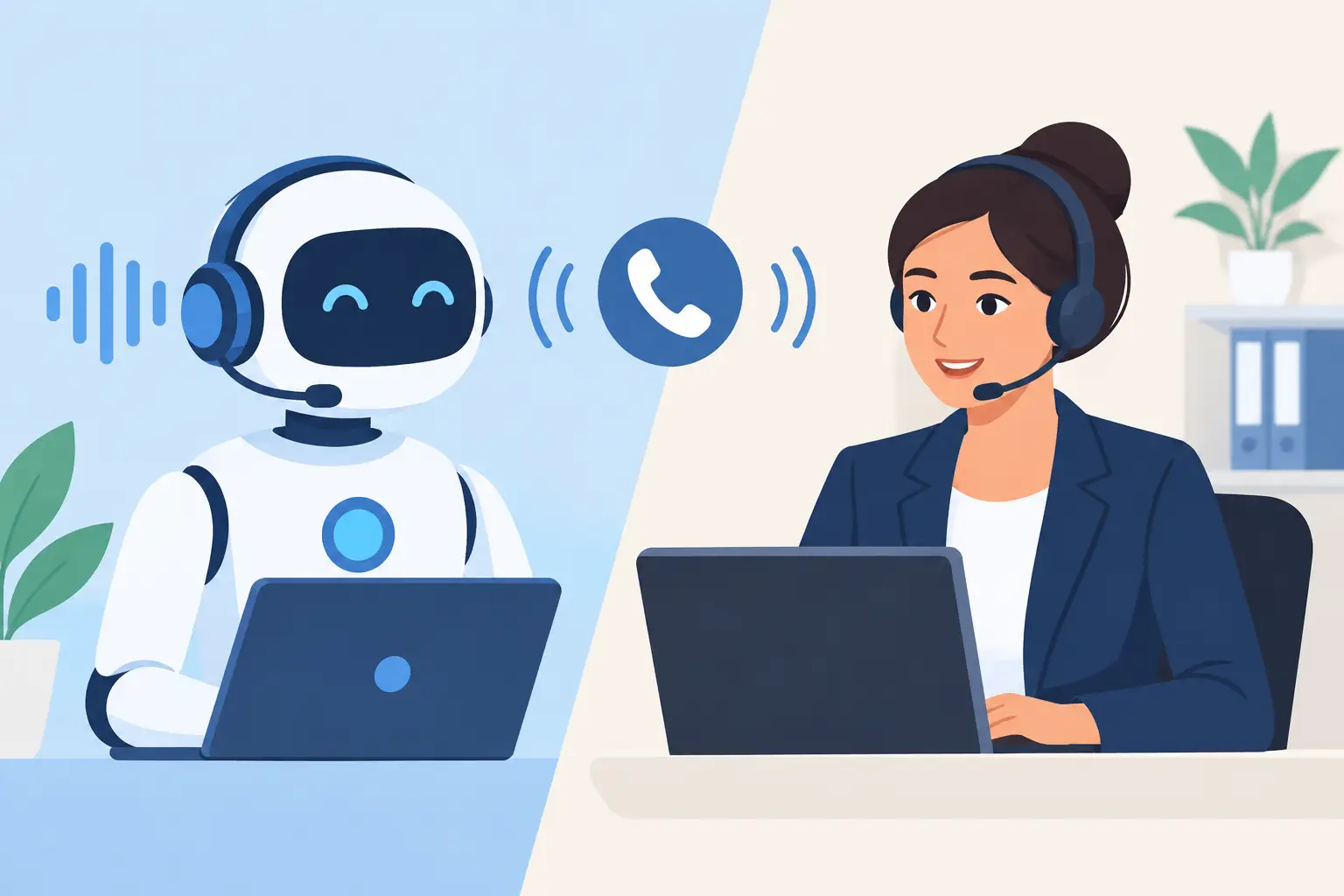
A water-damage caller reaches your number at 9:12 p.m. They need help now, want to know whether you serve their ZIP code, and can meet Tuesday morning. The AI call agent versus receptionist decision is not really about choosing technology over people. It is about deciding who can reliably turn that moment into a qualified, confirmed appointment without creating a bad calendar entry, a double booking, or a voicemail your team hears too late.
For service businesses, the right answer depends on the work, the call volume, and the exceptions your office handles. A receptionist can provide judgment, reassurance, and relationship management that matter deeply in complex situations. An AI call agent can answer in seconds after hours, enforce your qualification rules consistently, and book only into slots that are actually open. The strongest operation often uses both, with clear ownership for each part of the inbound workflow.
AI Call Agent Versus Receptionist: The Operational Difference
A receptionist is a person managing live conversations, often while handling dispatch changes, vendor calls, customer follow-ups, invoices, and walk-ins. Their value is flexibility. An experienced office coordinator may recognize a repeat customer, calm an upset policyholder, or identify that a caller needs immediate escalation rather than a standard appointment.
The limitation is capacity. One person cannot answer every ringing line while updating a schedule and resolving a crew issue. After business hours, that capacity may be zero. The caller reaches voicemail, calls the next company, or sends a text that waits until morning.
An AI call agent is built for a narrower but high-volume operational job: answer immediately, collect the required details, apply predefined fit rules, offer available appointment windows, confirm the booking, and route exceptions. It does not get pulled into a dispatch conversation or take a lunch break. It also does not inherently possess human judgment. Its performance depends on the rules, calendar access, escalation paths, and call flows the business gives it.
That distinction matters. An AI agent should not be judged by whether it can imitate every conversation a seasoned receptionist can handle. It should be judged by whether it protects inbound revenue when the office cannot respond, and whether the information it collects is usable by the people taking the next action.
What Happens When the Phone Rings
The comparison becomes clearer when you follow one inbound lead from first ring to booked job.
With a receptionist, the ideal path is straightforward. The call is answered, the customer explains the issue, the receptionist determines service fit, checks availability, enters details, and sends confirmation. For a busy office, though, each handoff introduces risk. Is the calendar current? Did the caller meet the minimum job criteria? Was the appointment confirmed by text? Did anyone notice that the selected technician is unavailable?
With an AI call agent, the workflow should be explicit. The system answers within seconds, asks the questions your team has approved, and checks the live schedule. For a restoration company, that may include property type, location, source of loss, whether mitigation is needed, insurance information, and urgency. For another trade, it may be service area, job type, equipment type, minimum project size, or decision-maker availability.
A well-configured flow looks like this in practice:
9:12 p.m. - Call answered. The caller states the problem.
9:13 p.m. - Lead qualified. The agent confirms the ZIP code, service need, and required job details.
9:14 p.m. - Slot held. A genuinely open Tuesday 10:00 a.m. appointment is temporarily reserved while the caller confirms.
9:15 p.m. - Calendar updated. The appointment is written to the scheduling system, confirmation text is sent, and the team receives the lead record.
The next morning, the office should not find an ambiguous voicemail. It should find a confirmed appointment, the caller's answers, the source of the lead, and any flagged issues that need a human follow-up.
Speed Matters, but Qualification Matters More
Fast answering is valuable because urgent callers rarely wait patiently. Yet booking every caller is not a win. A calendar filled with out-of-area requests, jobs below your minimum, tenants without authorization, or inquiries for services you do not offer creates a different kind of loss. Crews waste time, salespeople chase poor-fit opportunities, and legitimate customers see fewer openings.
This is where a generic answering service and a revenue-focused AI call agent differ. A basic service may capture a name and phone number. A revenue-capture workflow asks whether the lead meets the conditions that justify consuming a slot.
Your rules should be specific enough to protect operations without making legitimate leads feel interrogated. For example, an HVAC contractor might route no-cool calls differently from routine maintenance requests. A restoration firm might immediately escalate an active water loss while booking a non-urgent inspection into normal availability. A remodeling company might screen for service area, project type, approximate budget, and timeline before offering a consultation.
The rule is simple: qualify before the calendar write whenever the wrong appointment creates real cost. A booked appointment is not automatically a good appointment.
Where a Receptionist Still Wins
Replacing every human interaction is usually the wrong objective. Receptionists remain essential when the call requires discretion, deep account knowledge, negotiation, or emotional care beyond an approved escalation script.
A caller disputing a bill, a commercial client coordinating a multi-site loss, or a homeowner who is highly distressed may need a person quickly. So may a situation where the intake facts conflict, a caller asks for a specific technician, or the required response falls outside normal operating rules.
The practical design is not AI versus people as an all-or-nothing decision. It is AI for immediate response, structured intake, routine scheduling, missed-call text-back, confirmations, and after-hours coverage. People handle complex cases, active escalations, relationship-sensitive conversations, and decisions that require context beyond the intake rules.
That model can also improve the receptionist's job. Instead of spending the morning returning voicemails and re-entering partial notes, the office team starts with qualified leads and clear exceptions. They can spend more time solving problems that actually need human attention.
Cost Should Be Measured Against Coverage and Leakage
A receptionist's compensation is only one part of the comparison. Coverage hours, turnover, training, call surges, sick days, and the cost of missed opportunities all matter. A low monthly software cost is not automatically a good deal either if the system books bad leads, cannot see true availability, or sends customers into a dead end when something goes wrong.
Calculate the cost using your own inputs. Start with missed calls after hours and during peak periods. Estimate the share that are qualified. Then estimate the value of a completed job or sales appointment, not merely the value of a scheduled slot. Finally, subtract the appointments that would have happened anyway and account for no-shows or cancellations.
This is not a promise that every answered call becomes revenue. It is a way to locate the leakage in your existing process. If most leads come in during staffed hours and your team answers quickly, a full-time receptionist may remain the right primary investment. If calls arrive nights and weekends, or office staff routinely choose between answering the phone and running dispatch, automated coverage becomes easier to justify.
The Calendar Is the Test
The easiest way to evaluate an AI call agent is to look beyond the demo and ask what happens at the calendar.
Can it see live availability from the system your team actually uses? Can it hold a time briefly while a caller decides, then release it if they do not confirm? Can it prevent two callers from claiming the same opening? Can it handle reschedules, cancellations, and day-before confirmation without leaving stale appointments behind?
Also ask what happens when the lead does not fit. The system should politely decline or redirect according to your policy, capture the reason when useful, and alert an on-call person when the situation meets escalation criteria. It should not force every caller through a booking flow just because an opening exists.
PsPro AI is designed around this full path: immediate answer, trade-specific qualification, live scheduling, confirmation, and a signed delivery of booked jobs or changes to the endpoint your dispatch team uses. That level of workflow control is what turns an automated conversation into an operational result.
Choose the Coverage Model Your Team Can Defend
The best choice is the one your office can explain clearly on Monday morning. Who answers at 9 p.m.? Which leads get booked? Which ones get escalated? Where does the appointment appear? Who owns a cancellation? What information does the dispatcher receive before assigning a crew?
If those answers are vague, adding another receptionist or another AI tool will not fix the process by itself. Define the rules first, then assign the work to people, automation, or both. The goal is not to have a more impressive phone system. It is to make sure the next qualified caller reaches a real opening, receives a clear confirmation, and gives your team a job worth running.